Shortcuts
Faraday includes a Keyboard shortcuts panel that lists the keyboard shortcuts available across the application. It is accessible from the User's menu, at the bottom left of the sidebar.
To open it, click on the user avatar and then select Shortcuts:
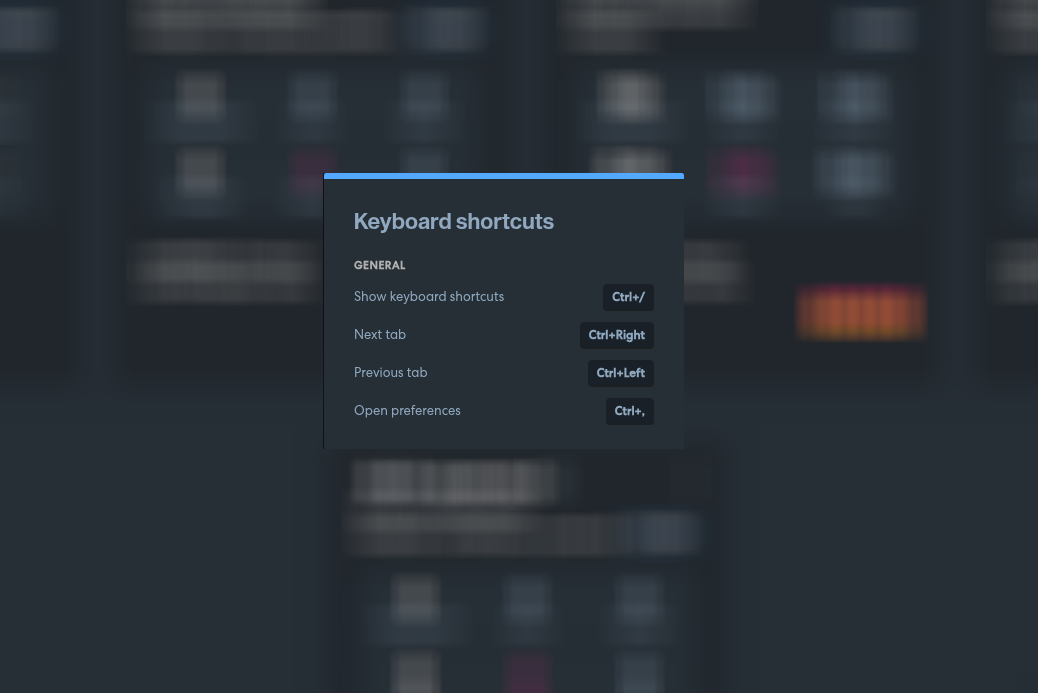
You can also open this panel at any time with Ctrl + / (⌘ + / on Mac), without going through the menu.
Contextual shortcuts
The list of shortcuts is not always the same: it depends on where you are in the app. The panel always shows a General section with the shortcuts available everywhere, and, if you open it while working inside a modal or a detail view that has its own tabs, an additional This screen section appears above it with the shortcuts specific to that view.
For example, opening the panel while a vulnerability's detail view is open shows shortcuts for moving between that view's own tabs (General, Technical Details, Evidence, Custom Attributes, Comments, Credentials, Status Trace) and for closing it, instead of the ones for the main Workspaces/Assets/Services/Vulnerabilities tabs:
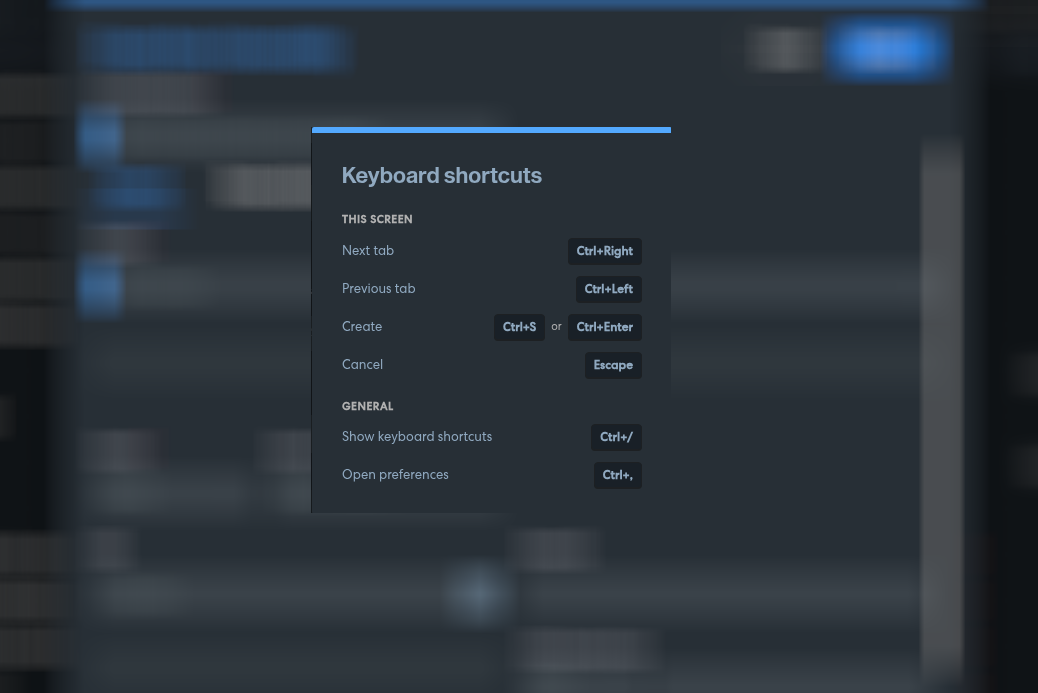
In this case "Next tab"/"Previous tab" move between the vulnerability's own tabs and "Close" (Esc) closes the detail view — they temporarily replace the same-named shortcuts from the General section below while that view is open.
General shortcuts
| Action | Shortcut |
|---|---|
| Show keyboard shortcuts | Ctrl + / |
| Next tab | Ctrl + Right |
| Previous tab | Ctrl + Left |
| Open preferences | Ctrl + , |
"Next tab" and "Previous tab" move between the Workspaces, Assets, Services and Vulnerabilities tabs. "Open preferences" takes you directly to the Settings menu.
On macOS, shortcuts are displayed and triggered with ⌘ instead of Ctrl.